How to choose a laptop for college
Processor, RAM, storage, battery and weight explained simply, plus the specs worth paying for and the ones you can skip.
Adsokane team · Updated 1 November 2026 · 6 min read

A college laptop needs to last three or four years, survive being carried around every day and run whatever your course needs. You don’t need the most expensive model, but a few specs are worth getting right from the start because you can’t easily upgrade them later.
Check what your course needs
Most students only need a browser, office apps and video calls. Some courses need much more. Ask seniors or check your department’s recommendations if you study:
- Engineering or architecture: CAD and simulation software, often Windows only
- Design, film or animation: a strong processor, more RAM and a good screen
- Computer science: enough RAM for coding tools and virtual machines
RAM and storage
Today, 16 GB of RAM is the comfortable choice for a laptop you will keep for years; 8 GB works for light use but can feel slow with many browser tabs. For storage, choose an SSD, never a hard disk, and aim for at least 512 GB if you will store projects and photos locally.
Tip:On many thin laptops the RAM is soldered and can’t be upgraded later, so buy the amount you will need in your final year, not just your first.
Processor
For everyday study, a recent mid-range chip such as an Intel Core i5 or Core Ultra 5, AMD Ryzen 5 or Apple M-series is plenty. Pay attention to the generation, not just the name: a new Core i3 can beat a very old Core i5. Gaming or heavy creative work is where a higher-end chip or a dedicated graphics card earns its cost.
Battery and weight
You will carry this laptop to lectures, the library and home. A laptop under about 1.5 kg with real-world battery life of a full college day makes a big difference. Manufacturer battery claims are measured in ideal conditions, so read reviews for realistic numbers.
Mac or Windows?
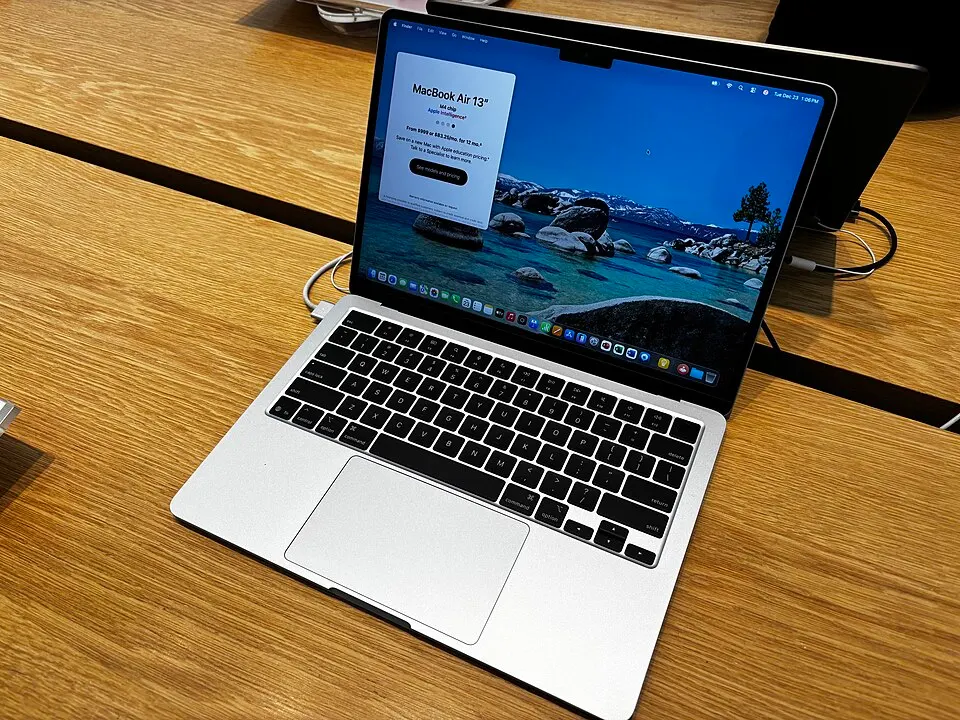
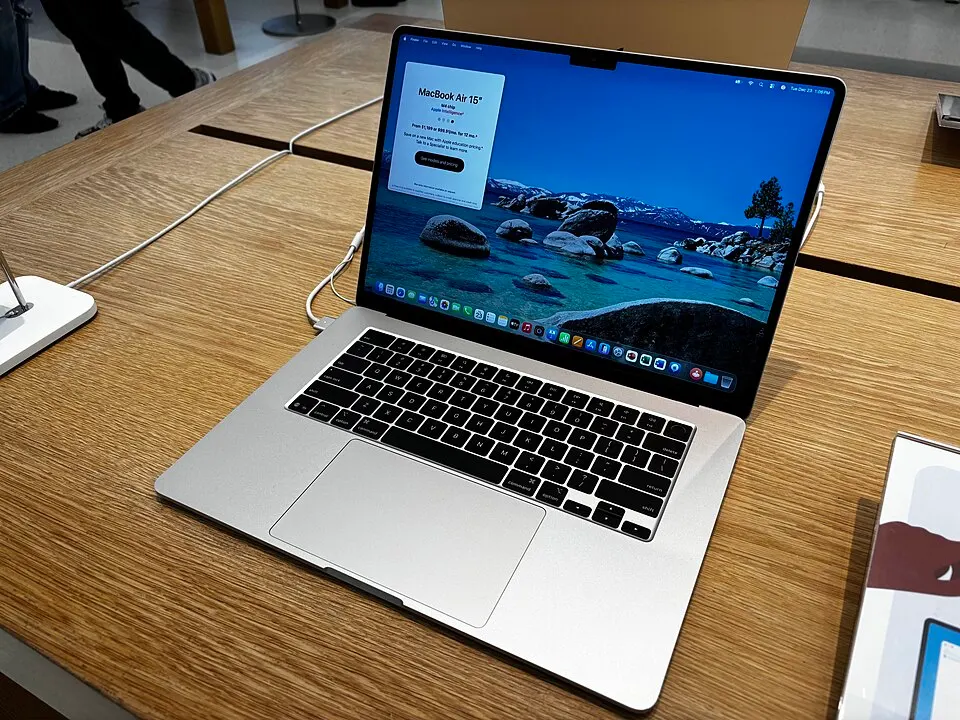
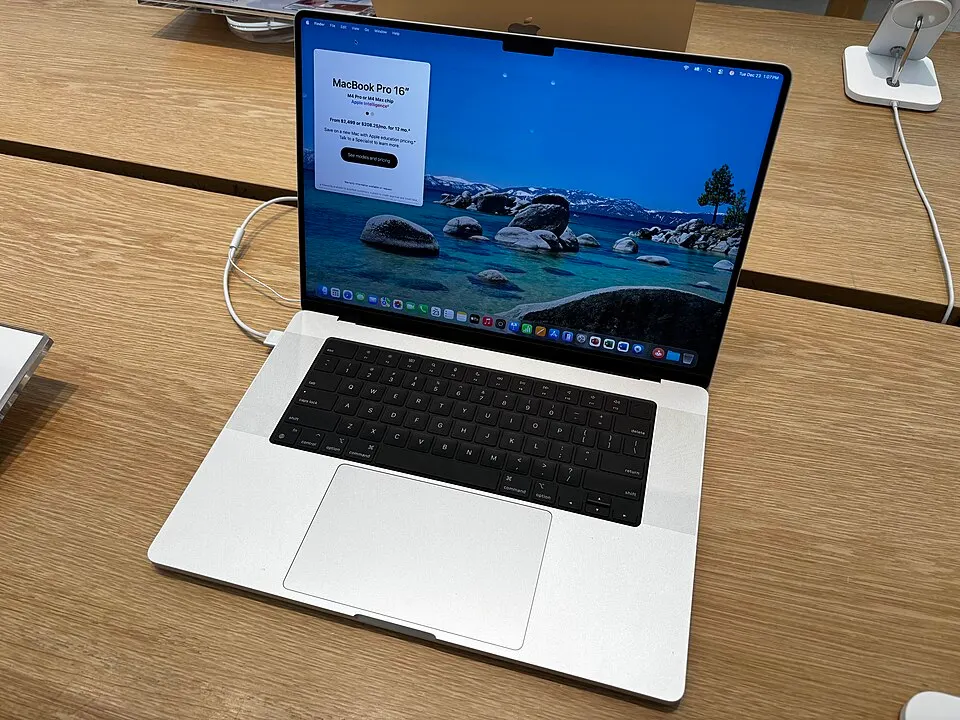
MacBooks are light, last long on battery and hold their resale value. Windows laptops offer more choice at every budget and run some engineering and specialist software that macOS doesn’t. If your course needs Windows-only software, that settles it.
Look for student offers
Apple, some laptop brands and several stores run student pricing or back-to-college offers, usually around June to August. Check what each one needs, such as a college ID or email address, before you buy.
Ready to compare? Search every store at once.
Browse laptops & tablets