MacBook Air 13-inch vs 15-inch (M4): which size?
Same M4 chip, different size: screen, weight, speakers and graphics compared, so you can pick the right MacBook Air.
Adsokane team · Updated 1 November 2026
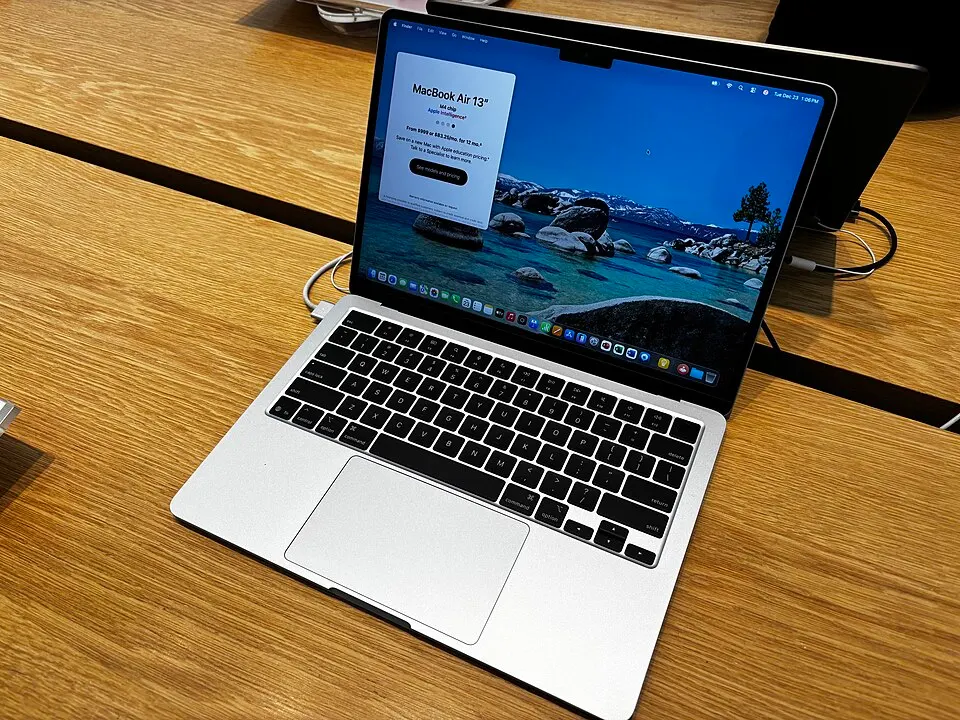
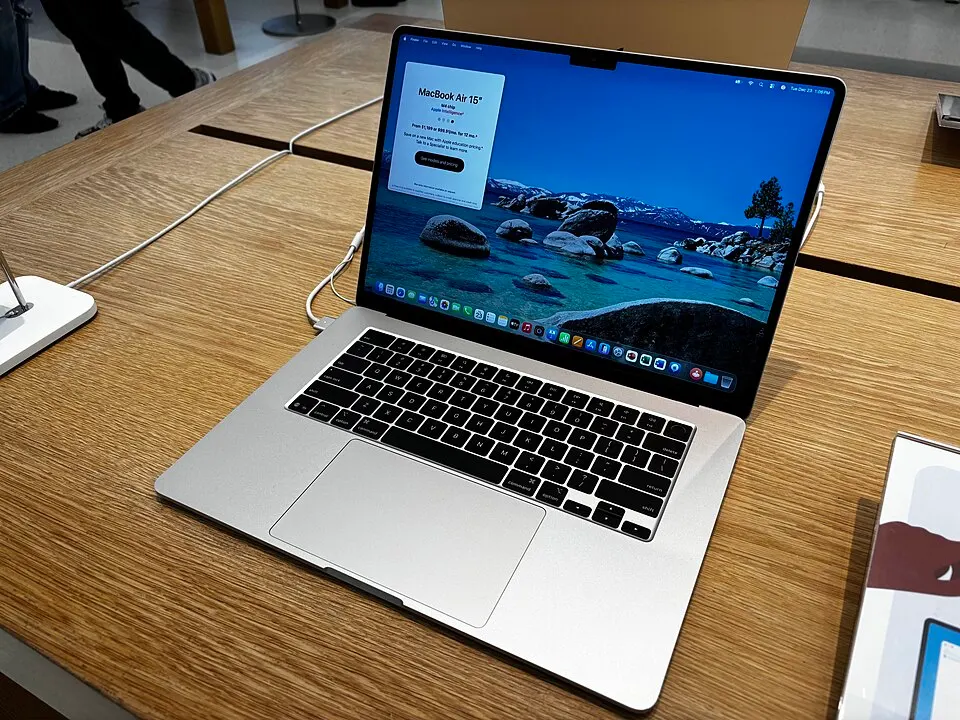
The 13-inch and 15-inch MacBook Air share the same M4 chip, battery life rating and design. The choice is mostly about size: how much screen you want against how much weight you want to carry.
Specs side by side
| MacBook Air 13-inch M4 | MacBook Air 15-inch M4 | |
|---|---|---|
| Display | 13.6-inch Liquid Retina | 15.3-inch Liquid Retina |
| Chip (base model) | M4, 10-core CPU, 8-core GPU | M4, 10-core CPU, 10-core GPU |
| Weight | About 1.24 kg | About 1.51 kg |
| Speakers | Four-speaker system | Six-speaker system |
| Battery (Apple's figure) | Up to 18 hours | Up to 18 hours |
| Camera | 12 MP Center Stage | 12 MP Center Stage |
| External displays | Up to two | Up to two |
Portability vs screen space
The 13-inch is the one to carry every day: it fits smaller bags and is comfortable on a lap or a cramped desk. The 15-inch gives noticeably more room for side-by-side windows, spreadsheets and photo editing, and its keyboard has the same layout, so there is no compromise there.
Performance and sound
Both use the M4 chip. The base 15-inch has two more graphics cores, which helps a little with photo and video editing. The bigger body also fits six speakers instead of four, so it sounds fuller for films and music.
Which to choose
Students and frequent travellers usually prefer the 13-inch. If the laptop mostly stays on a desk, or you edit photos, work in spreadsheets or watch a lot of video, the 15-inch is worth the extra weight.
The verdict
Buy the MacBook Air 13-inch M4 if
You carry your laptop every day, want the lightest MacBook, or work in small spaces.
Compare store pricesBuy the MacBook Air 15-inch M4 if
You want a bigger screen for multitasking and media, better speakers, and portability matters less.
Compare store prices